





Most bio pages are a wall of buttons. Here's the ordering, copy and analytics loop that turns taps into bookings.
By The ReeCard team · September 6, 2026 · 5 min read

Every conference produces the same ritual: a stack of paper cards, a photo of the stack, and a slow guilt spiral about the follow-ups that never happened. The problem isn't effort. The problem is that paper has no memory and no way to update itself.
Apple Wallet and Google Wallet open every time someone boards a flight, enters an event or pays with a loyalty card. A business card that lives there is one swipe from being used, and it never gets crumpled. Every ReeCard pass also carries a QR that opens your live page, so when you change jobs or phone numbers the current details are one scan away.
The same card that powers your wallet pass powers a link-in-bio page and a QR code. That means one asset for your Instagram bio, your email signature, your badge and your booth banner. When the numbers on the dashboard show which channel converts, you double down on it.
Keep the hero simple: a real photo, your name, one line about what you do. Put the links people actually use first — booking, portfolio, the social you post on most. Save phone and email tiles for below the fold; people scroll when they're interested.
Try it on the live demo card, then build your own in about a minute.
Most bio pages are a wall of buttons. Here's the ordering, copy and analytics loop that turns taps into bookings.
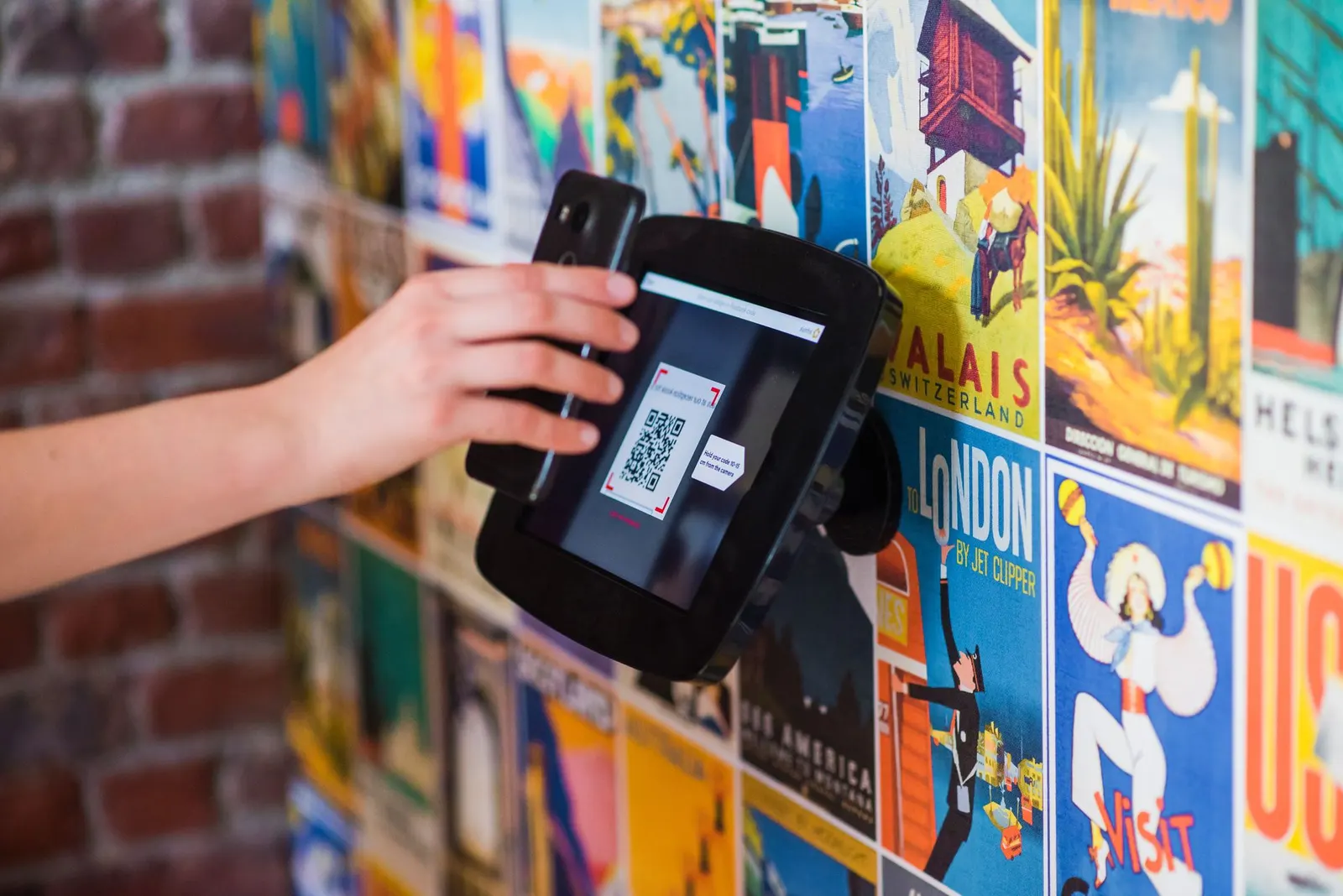
Where to put the code, how big to print it, and how to read the scan data afterwards.